Your photo. Your story. Your choices.
Yours,
beautifully shared.
Show us what you want to share. Tell us what matters about it. Wylume takes it from there.
Choose how your photo looks, and get a post written from your story. Nothing is shared until you confirm.
Your post, written for Instagram and Facebook.
Save a draft, or share the image to any app from your phone.
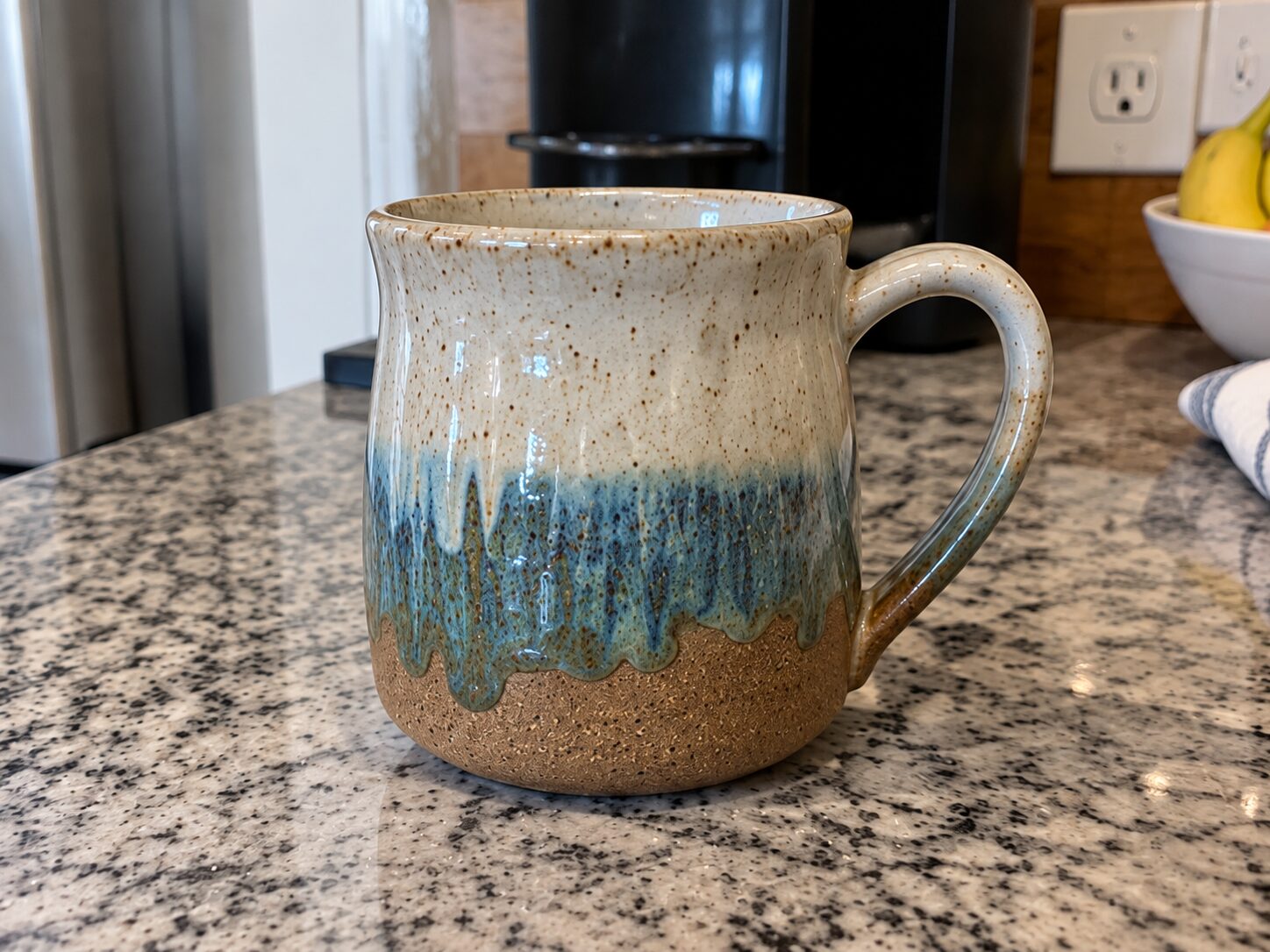
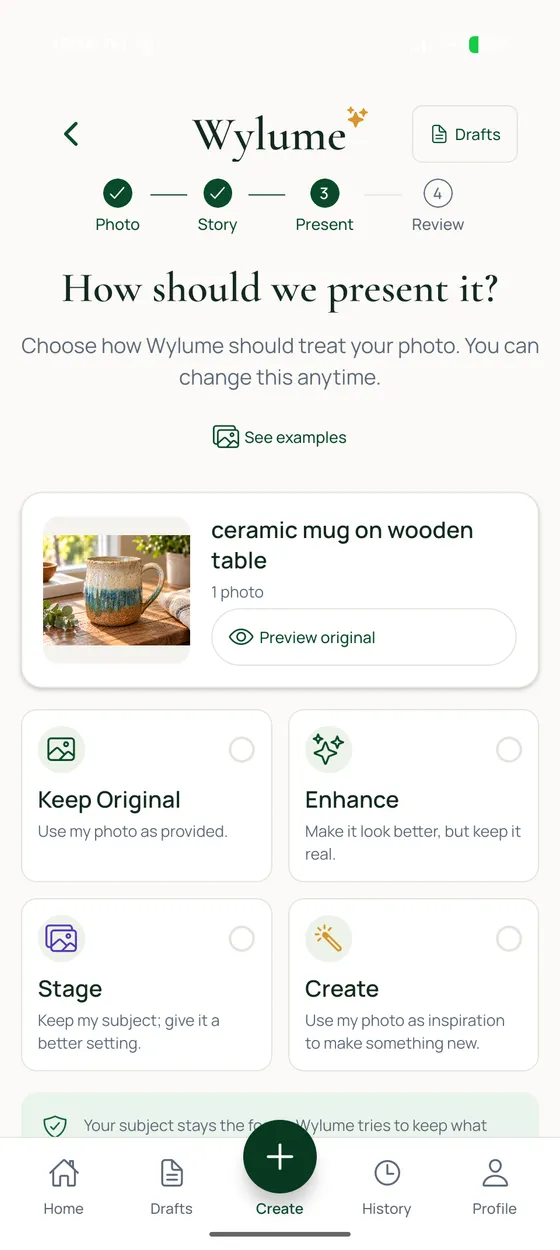
ExampleDemo photo and a pre-release app screen — not a customer result.
Four ways to present your photo
Keep it as is, polish it, give it a new setting, or reimagine it. You choose.
One photo. Four directions.
- Original
Keep Original
Your photo, unchanged.
Always free.
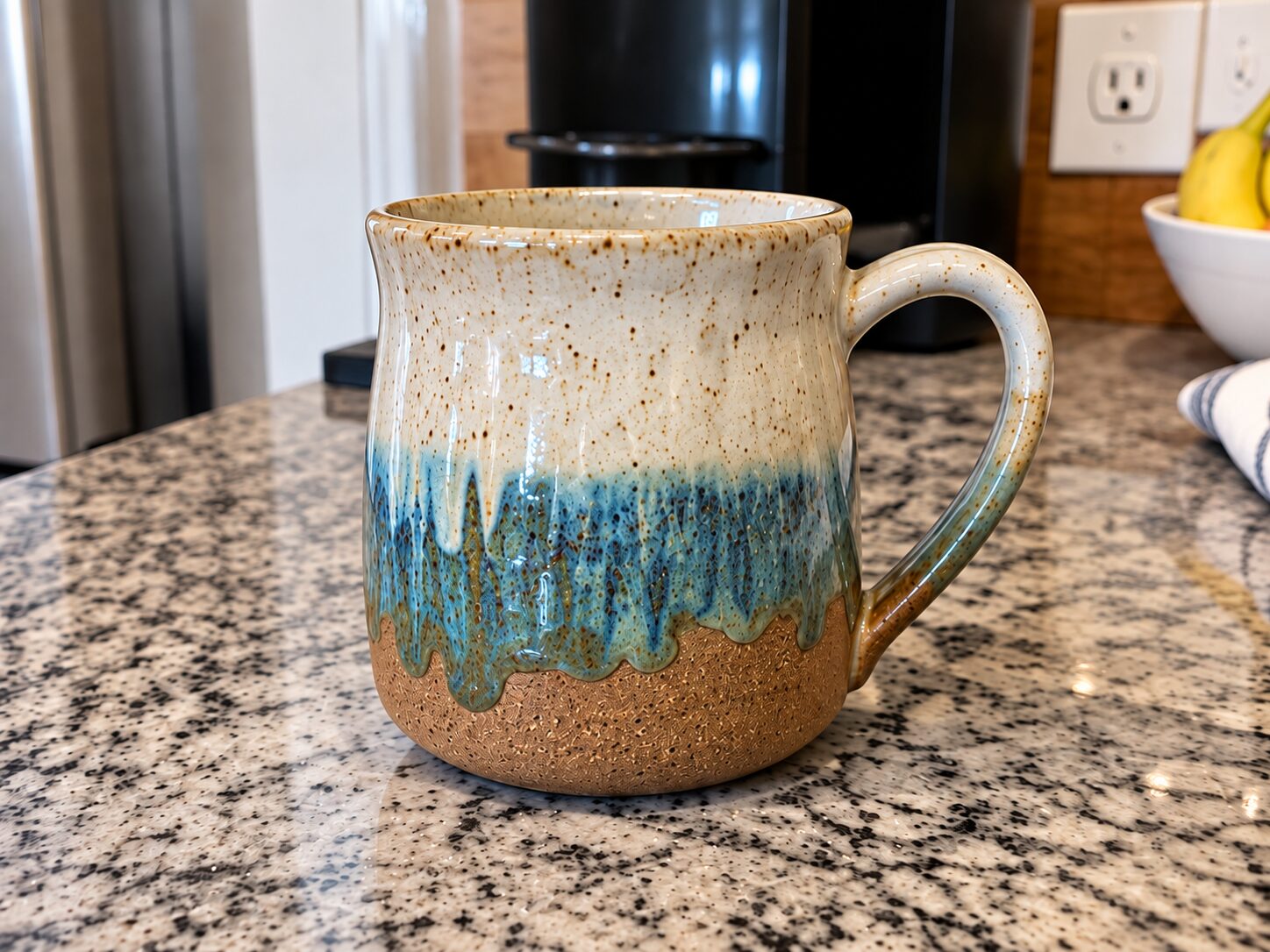 Enhanced
Enhance
Your photo, just better.
Polishes light, color, and clarity. Nothing added. Always free.
 Staged
Stage
Same subject. A better setting.
Designed to keep your subject, angle, and framing. Uses 1 creation.
 Created
Create
Your photo, reimagined.
Makes a square image. Uses 1 creation.
ExampleExample images from an earlier version of the app, not customer results. In the app, Create makes a square image.
From photo to post
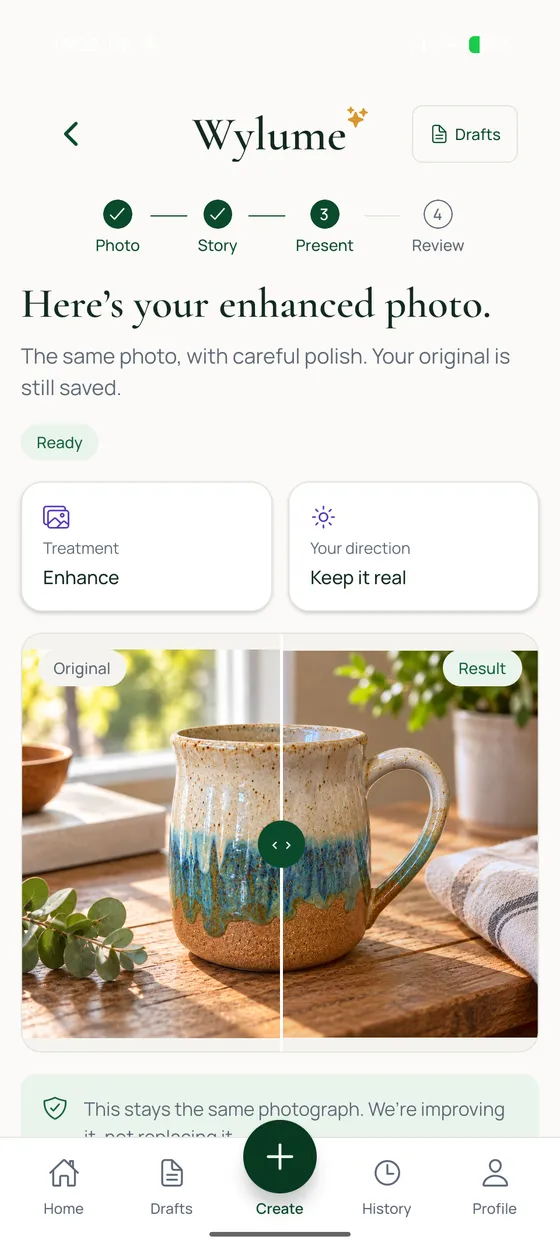
Four steps: Photo, Story, Present, Review.
- InstagramFacebook
Nothing will publish until you confirm.
ExampleStep 3 is a pre-release app screen with a demo photo. The other steps are illustrations, not customer results.
Whatever you want to share
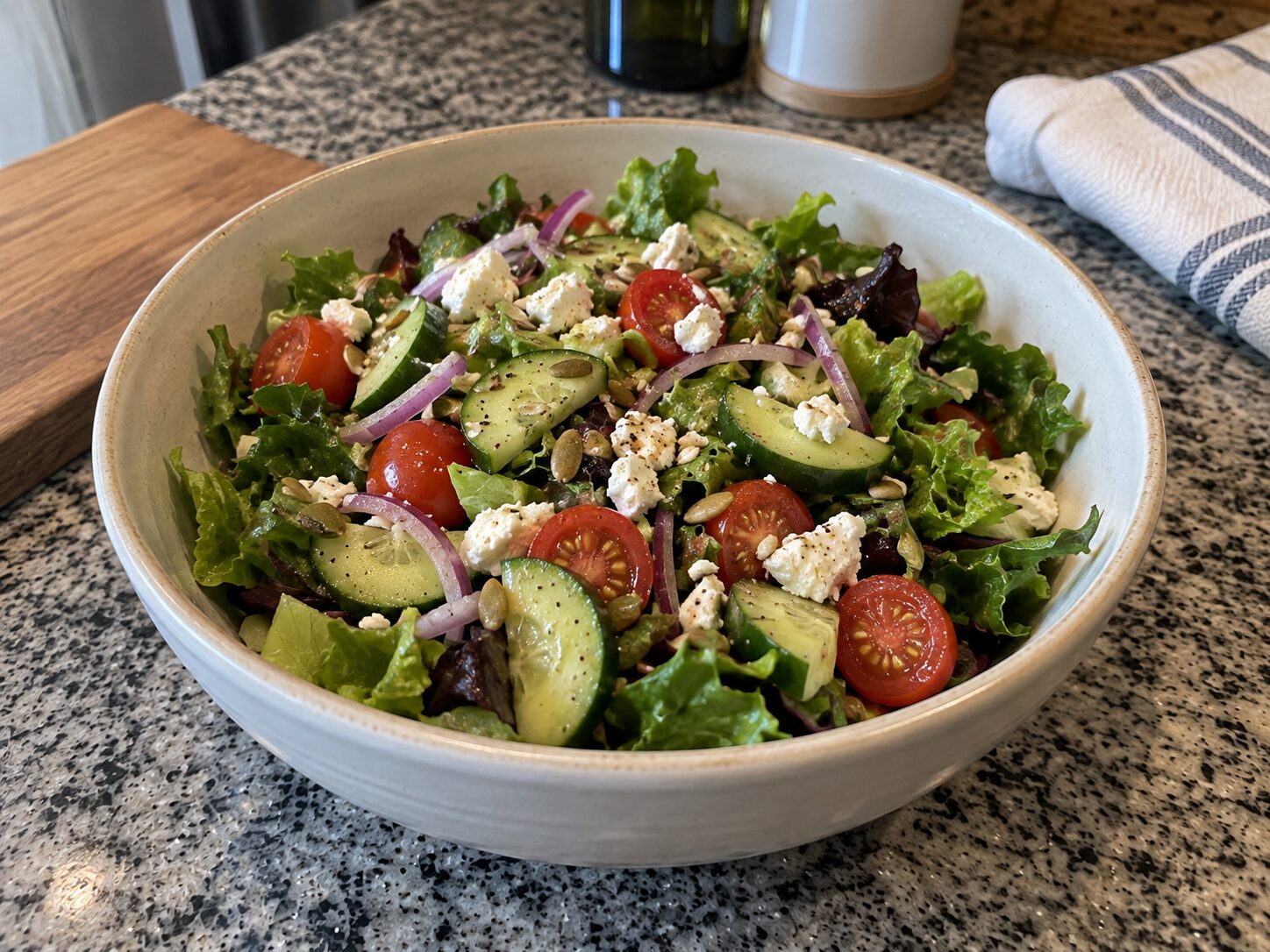
Products you make or sell, work or projects, creative work, food & experiences, places & travel, life & everyday things, news & updates — or a little of everything.
Demos and examples — not customer results.

Written from what you share
Your story, your photo, and your saved style shape every caption. You can edit every word.
Your story
What you tell us about the photo, in your own words.
Your photo
What Wylume sees in it — and if it misreads something, you can say what it really is.
Your saved style
The preferences you set in your Profile.
Your final say
Edit each version, save a draft, and share only when you’re ready.
Learning from how posts perform comes later.
Ready when you are.
Wylume is a mobile app. Bring one photo and the story behind it — you’ll review your post before anything is shared.